You talk to the camerawithout filming
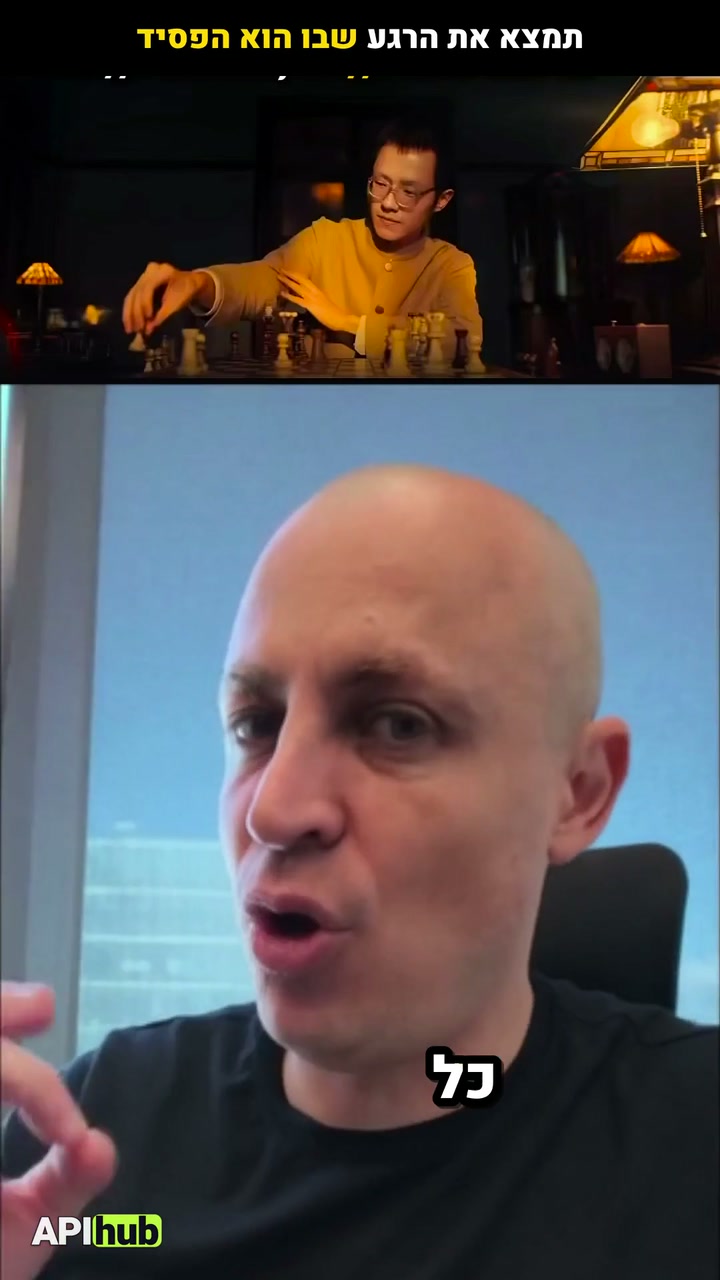
One photo and your voice — a video of you talking to the camera, without filming
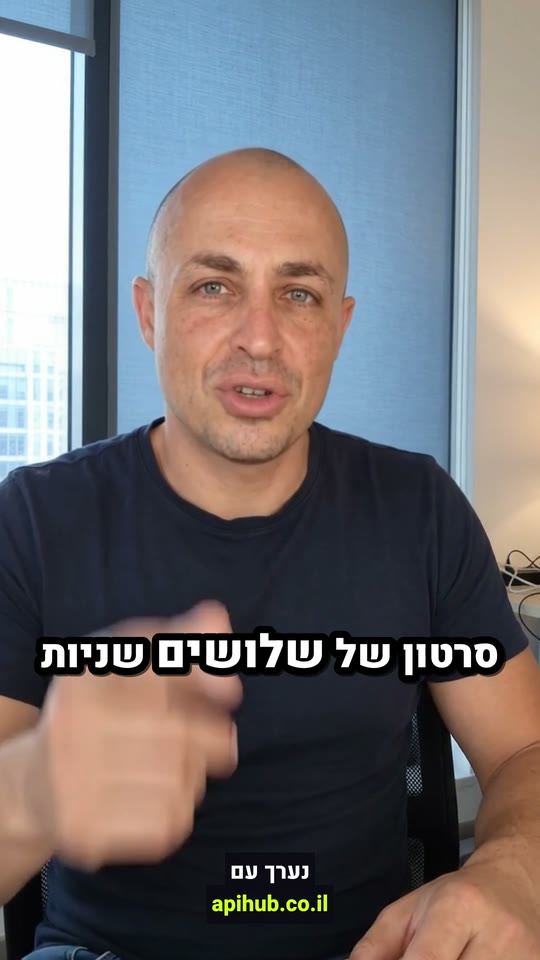
No footage: a video of me talking to the camera in my own voice, natural and unpolished, about: write the topic
Here is the plan:
⚡ Using the skill · Your clone- AI-generated pictures
- A transcript of every word, with its exact time
- One render: the finished video
Ready. The video is in the project.
What you get
- Your face from one photo, filmed like a phone leaning on the desk, not a studio
- A script in spoken language with a few real hesitations (umm, a word started again)
- Gemini Omni moves you like a real, slightly restless person: one hand talking, gestures left halfway, a glance aside
- One acting moment in every line: a real nose scratch, an impression, a look at the hands
- Every take checked by Gemini: no letters in the frame, the same face, natural hands
- Your cloned voice reads the text right, fast and casual
- Your lips on your voice (HeyGen Precision)
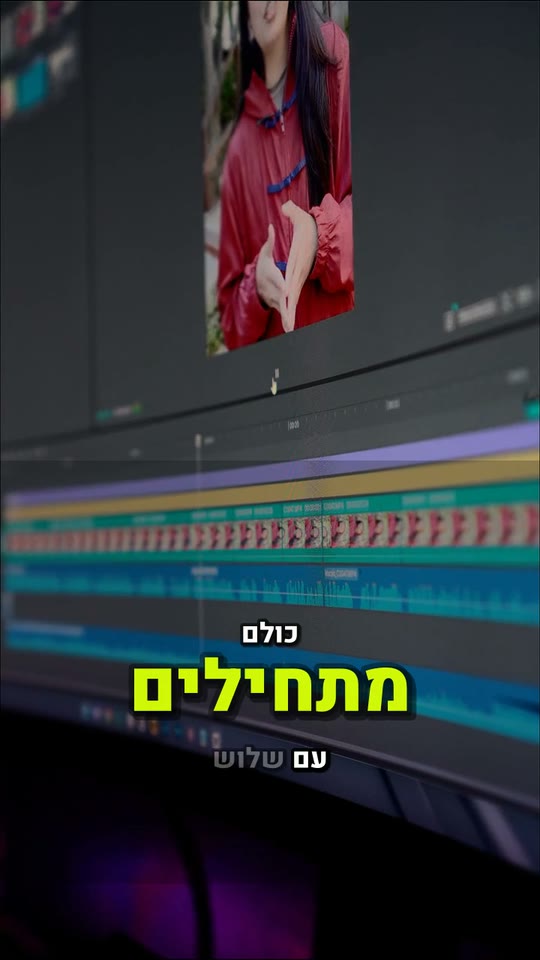
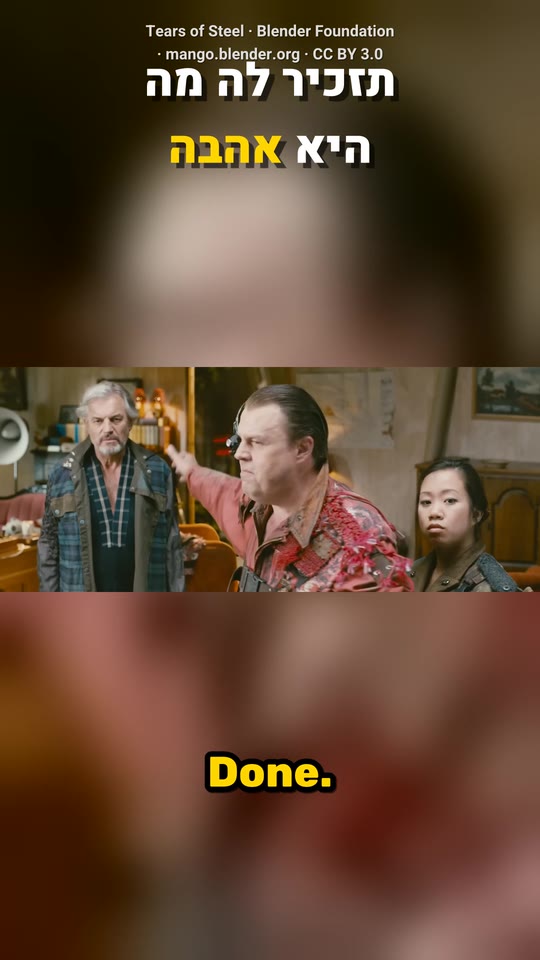
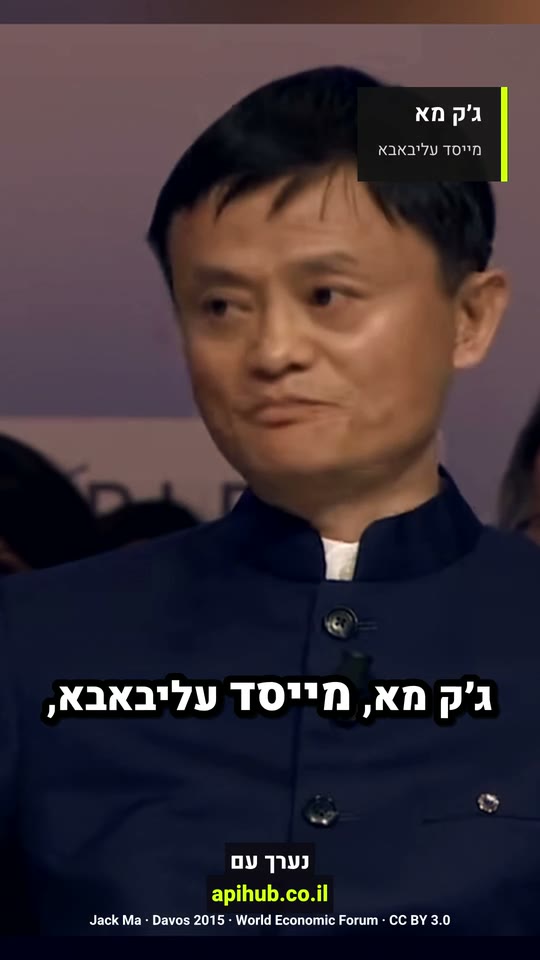
- Jump cuts with zoom, captions with key words in lime, quiet music under
What the agent does, in order
- 1Receiving your files
- 2AI-generated pictures
- 3Gemini watches the video and picks the moments
- 4AI clips for the moments the story describes
- 5Cloning your voice, once
- 6A natural-voice narration, the best of several takes
- 7A transcript of every word, with its exact time
- 8Fitting the vertical 9:16 screen
- 9Lip sync to the new voice
- 10Joining several takes into one story
- 11Original music that sits under the voice
- 12One render: the finished video
The request and the result
Your cloneNo footage: a video of me talking to the camera in my own voice, natural and unpolished, about: write the topic
- “Fewer hand gestures”
- “An office background”
- “Cut it to half a minute”
More skills
Questions
How long does it take?
Usually a minute and a half to five minutes, by the length and the level. You can close the page: the video waits in the project.
Can I fix it afterwards?
Yes. Write in the chat what to change and a new version comes out. The previous one is kept and you can go back to it.
Which language does it work in?
In Hebrew, and in any language spoken in the video. The captions come out in the language of the speech.
What about rights to the stock and the music?
The stock comes from free libraries, with a licence for every shot. The music is made new for every video, so it is yours.