Every word you sayjumps onto the screen
Every word pops the moment it is said, zooms, emoji and sound — CapCut style
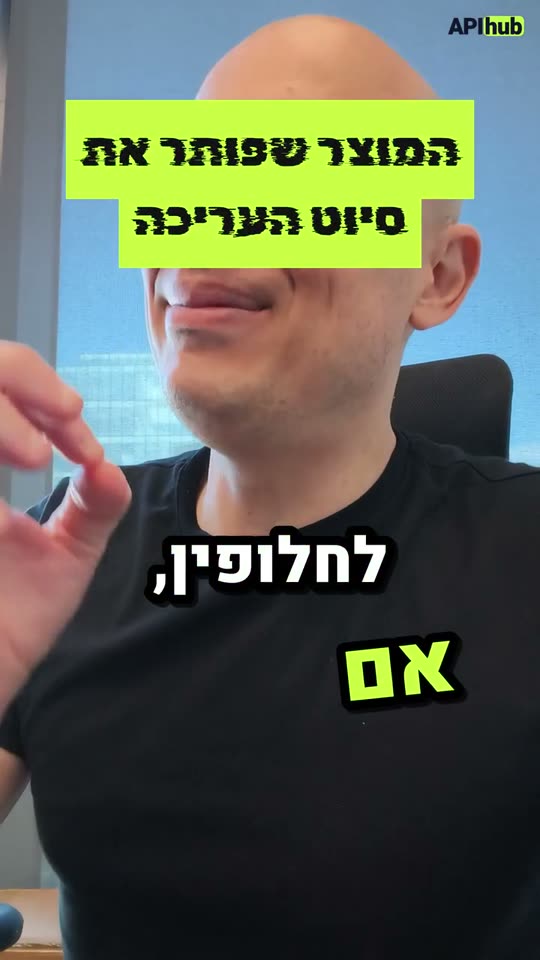
Kinetic edit: every word on screen the moment it is said, zooms, sound design and music under my voice
Here is the plan:
⚡ Using the skill · Kinetic edit- Cutting pauses, "umm"s and repeated takes
- Sound effects on the moments
- One render: the finished video
Ready. The video is in the project.
What you get
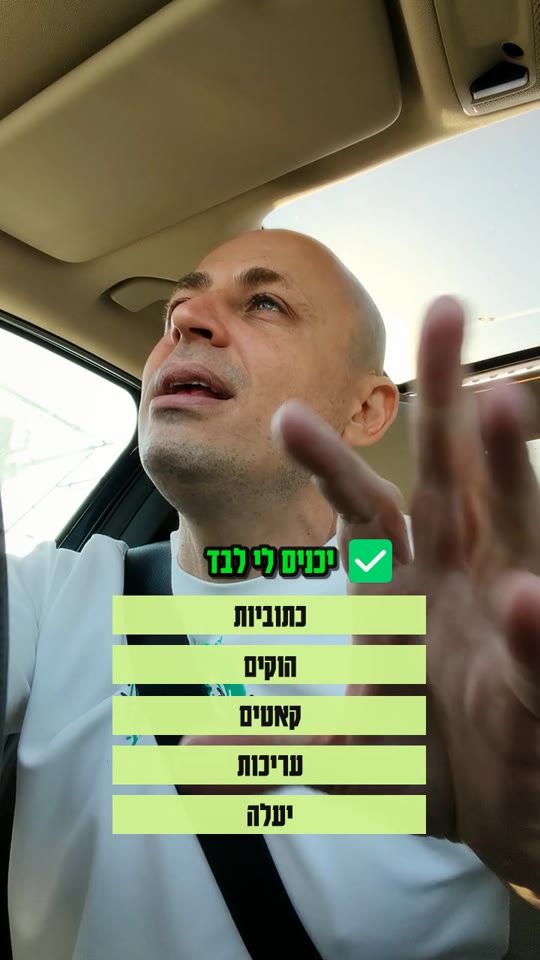
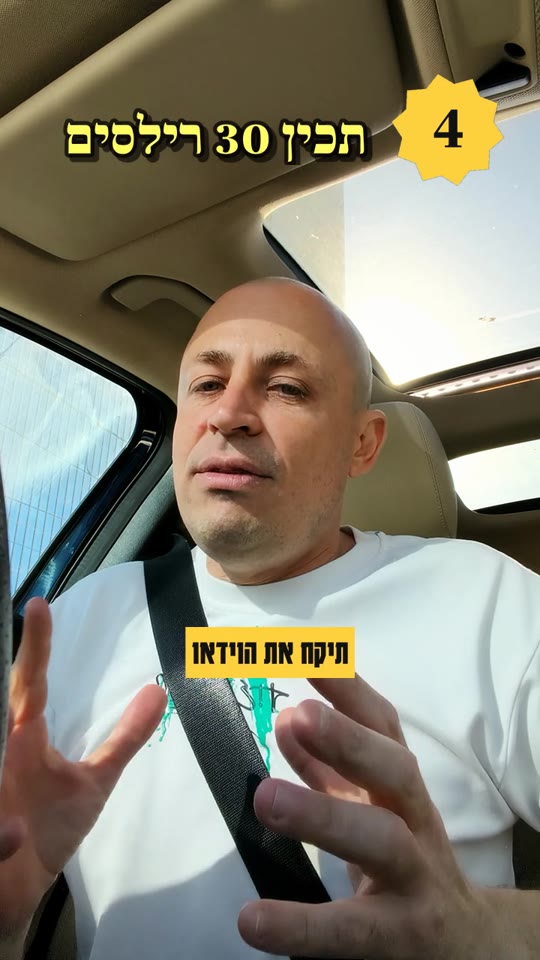
- Every word on screen the moment it is said
- Big key words in changing fonts, lime highlights
- A rhythm of zooms
- Black title cards with a flash
- Emoji stickers
- Sound design
- Music under the voice
- Pauses cut
What the agent does, in order
- 1A transcript of every word, with its exact time
- 2Cutting pauses, "umm"s and repeated takes
- 3Planning the words on screen, one by one
- 4Gemini watches the video and picks the moments
- 5Sound effects on the moments
- 6Icons and stickers
- 7Original music that sits under the voice
- 8One render: the finished video
The request and the result
Kinetic editKinetic edit: every word on screen the moment it is said, zooms, sound design and music under my voice
- “Key words in yellow”
- “Fewer zooms”
- “Emoji only on the important words”
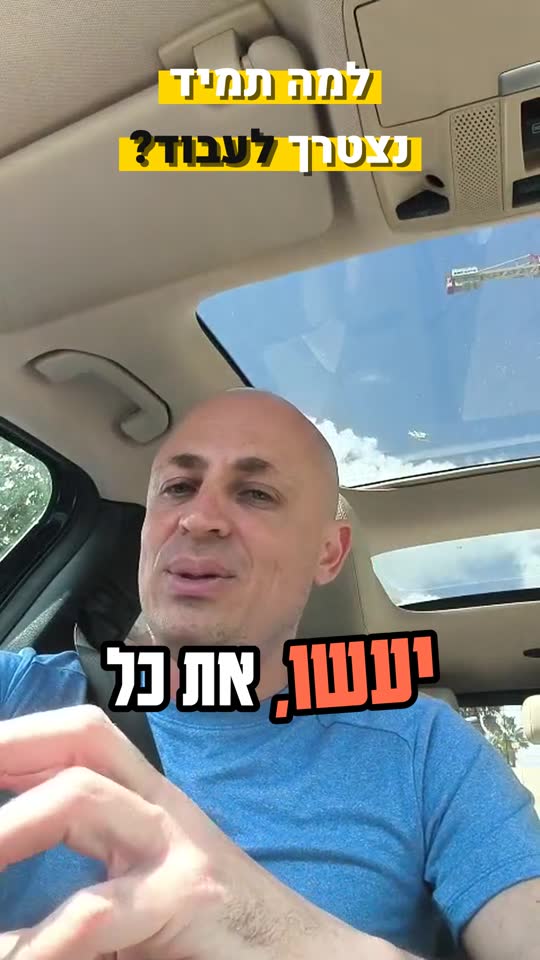
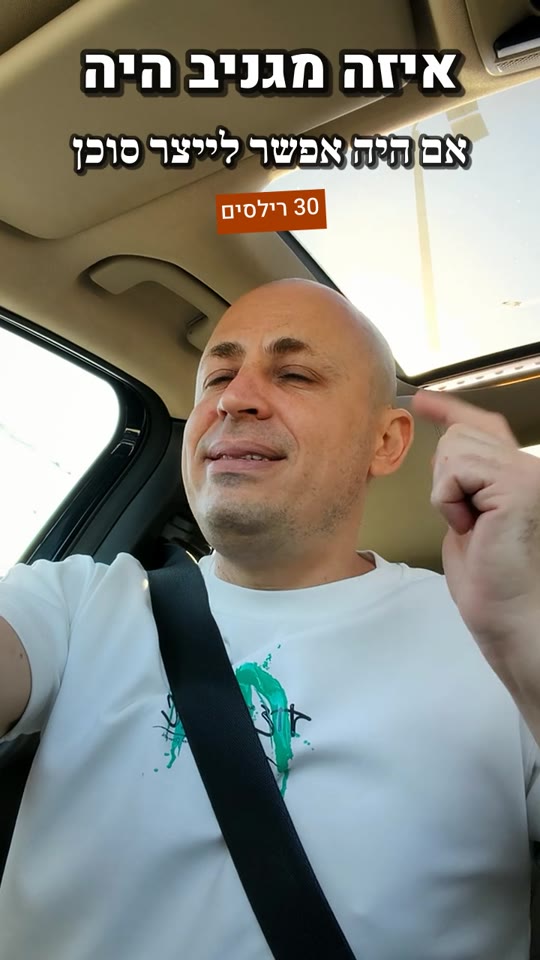
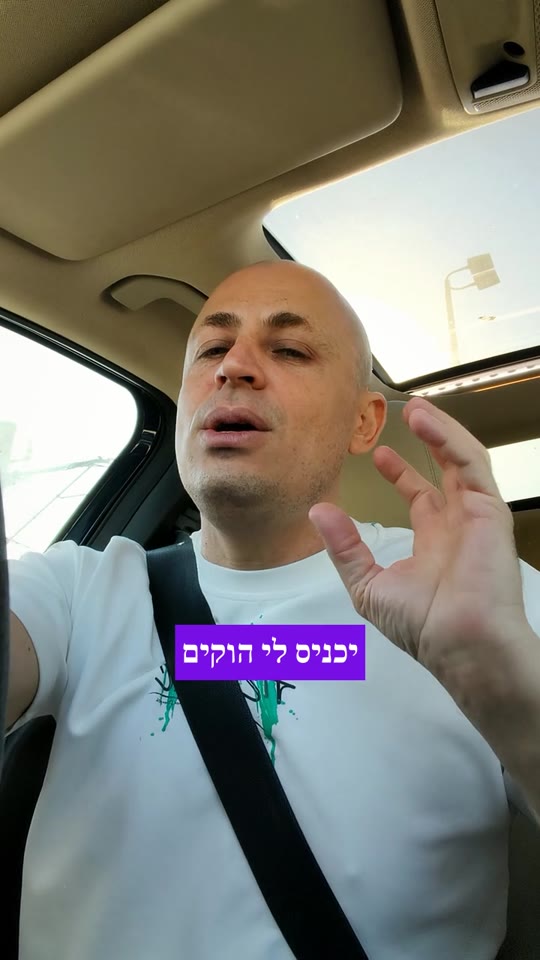
More skills
Questions
How long does it take?
Usually a minute and a half to five minutes, by the length and the level. You can close the page: the video waits in the project.
Can I fix it afterwards?
Yes. Write in the chat what to change and a new version comes out. The previous one is kept and you can go back to it.
Which language does it work in?
In Hebrew, and in any language spoken in the video. The captions come out in the language of the speech.
What about rights to the stock and the music?
The stock comes from free libraries, with a licence for every shot. The music is made new for every video, so it is yours.