AI clipsat the moments the story describes
Cut-aways generated with Veo on the moments the story describes
VIDOO
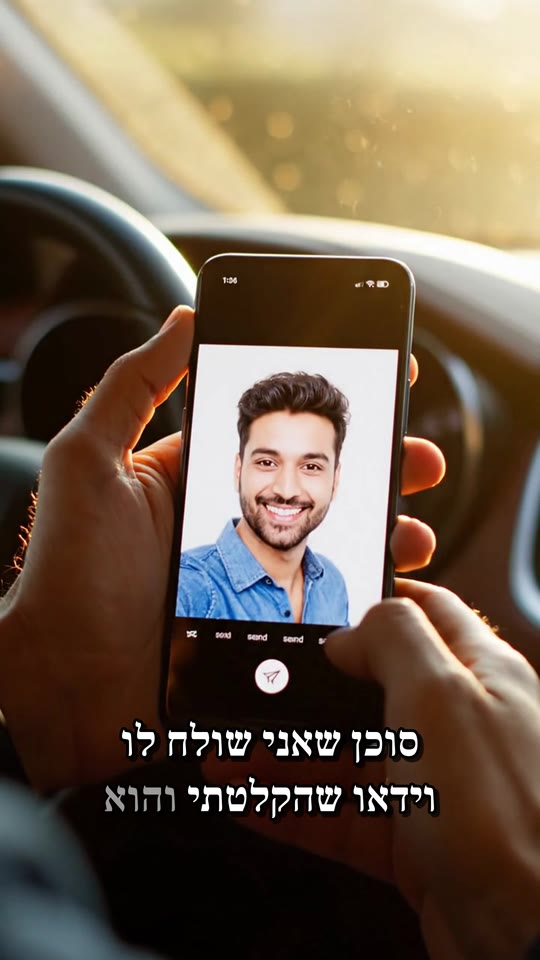
Add Veo cut-aways on the moments I describe, captions and quiet music
Here is the plan:
⚡ Using the skill · AI clips with Veo- AI clips for the moments the story describes
- AI-generated pictures
- One render: the finished video
Ready. The video is in the project.
What you get
- A hook
- Captions
- 3 clips by Veo 3.1 Fast or Veo 3.1
- Nano Banana Pro pictures
- Music
- A colour grade
What the agent does, in order
- 1Cutting pauses, "umm"s and repeated takes
- 2AI clips for the moments the story describes
- 3AI-generated pictures
- 4Original music that sits under the voice
- 5One render: the finished video
The request and the result
The request
AI clips with VeoAdd Veo cut-aways on the moments I describe, captions and quiet music
Once it is ready, you can ask
- “An AI clip on the sea moment”
- “Fewer clips, more face”
- “A warmer colour”
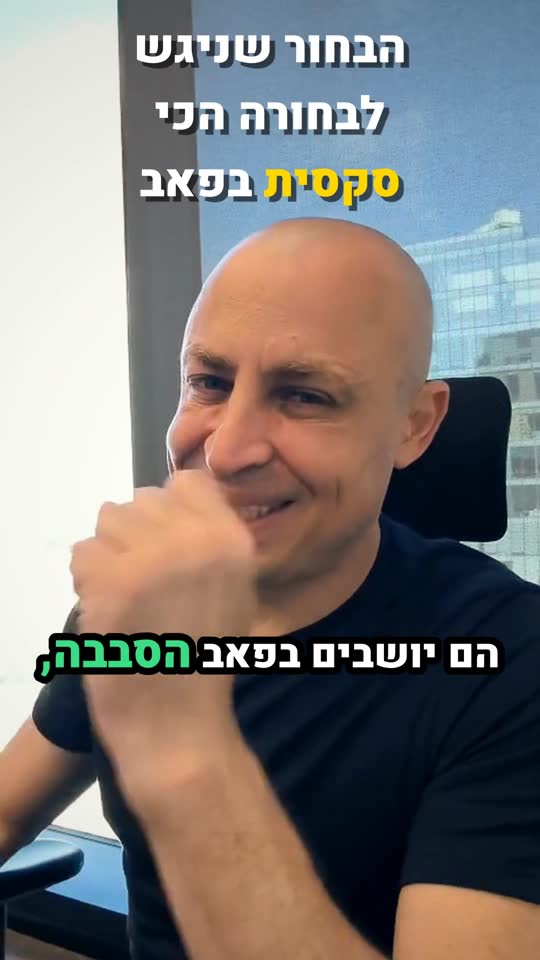
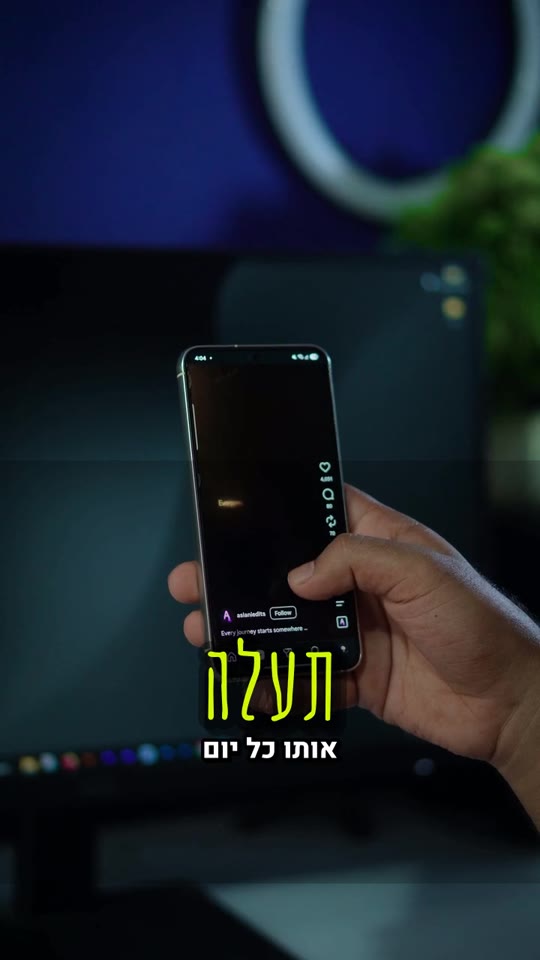
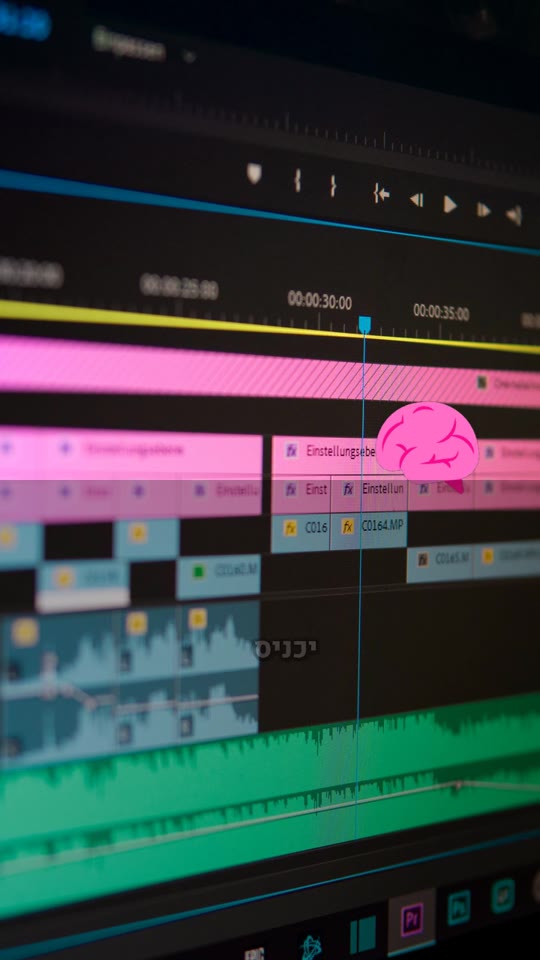
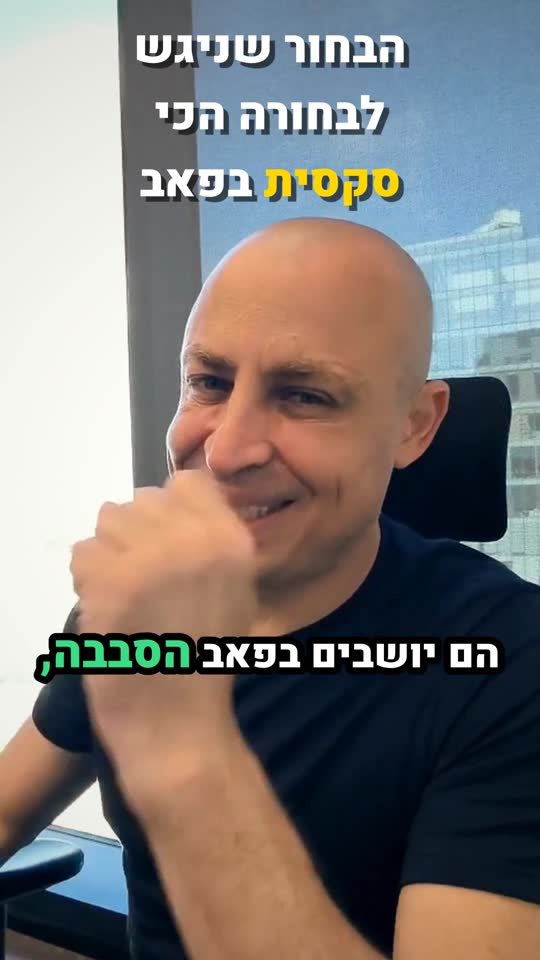
The result
More skills
Questions
How long does it take?
Usually a minute and a half to five minutes, by the length and the level. You can close the page: the video waits in the project.
Can I fix it afterwards?
Yes. Write in the chat what to change and a new version comes out. The previous one is kept and you can go back to it.
Which language does it work in?
In Hebrew, and in any language spoken in the video. The captions come out in the language of the speech.
What about rights to the stock and the music?
The stock comes from free libraries, with a licence for every shot. The music is made new for every video, so it is yours.